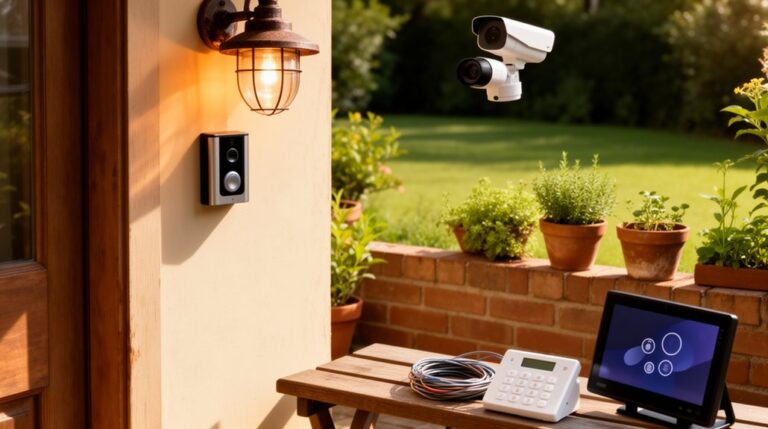
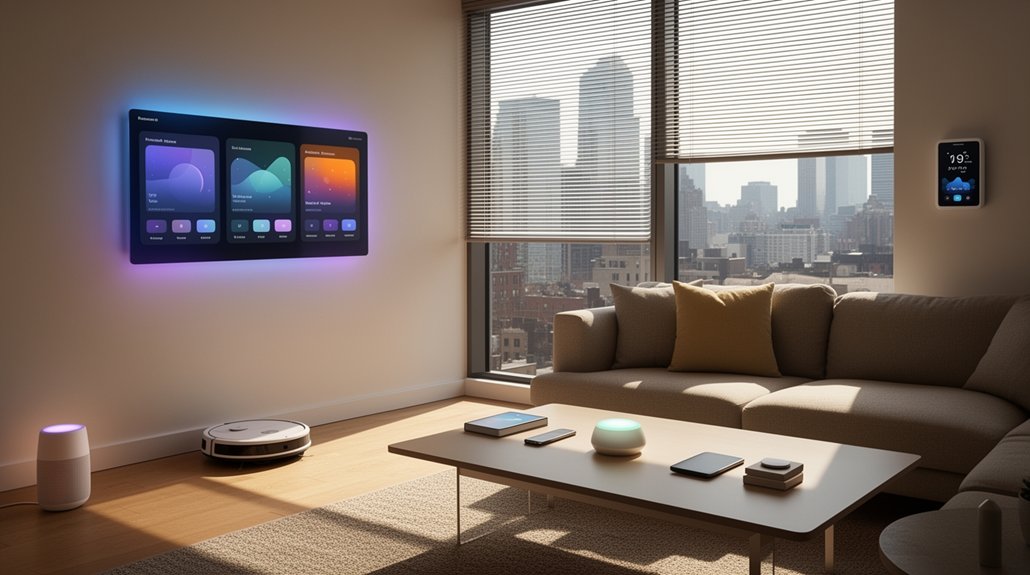
Elevate your lifestyle with a cohesive smart home automation that automates mornings, simplifies control, and trims energy use. Start with gentle wake routines and gradual lighting to align with your circadian rhythm, then use hands-free control for rooms and kitchens with precise, private interfaces. Strengthen security with end-to-end encryption and centralized monitoring, while scheduling energy savings across lighting, HVAC, and appliances. Opt for modular upgrades and a unified hub to keep everything reliable—and you’ll uncover more upgrade ideas as you explore further.
Key Takeaways
- Automate morning routines with gentle wake lighting and audio to boost mood and cognitive readiness.
- Create control of living spaces using voice-enabled displays, minimal interfaces, and privacy-conscious automation.
- Optimize ambient audio and security with zone-specific playback, calibrated acoustics, and encrypted, multi-factor protected access.
- Implement energy-saving routines and centralized device management for occupancy-based lighting, HVAC, and scalable smart hubs.
- Pursue cost-effective upgrades focused on practical comfort, efficiency, and measurable returns.
How Smart Home Automation Elevates Everyday Life

Smart home automation elevates daily life by making routine tasks faster, smarter, and more predictable. You turn on lighting, climate, and media with a tap or voice, and systems respond instantly, aligning with your schedule. With centralized control, you optimize energy use, reduce waste, and maintain comfort without thinking twice. Design-focused interfaces and tactile feedback help you navigate options quickly, reinforcing a cohesive aesthetic across rooms. You’ll benefit from automation ethics that prioritize user consent, transparency, and data minimization, ensuring tools serve you rather than track you. Smart home privacy concerns guide how you configure devices, permissions, and cloud connections. When implemented thoughtfully, automation elevates routines into seamless rituals, keeping spaces calm, efficient, and visually coherent, while preserving your sense of control and privacy.
Wake Up Easier: Automate Mornings With Lights And Sound
Set your alarm to trigger a Gentle Wake Routine that eases you into the day with calm, incremental changes. Start with Gradual Light Shifts that rise softly, guiding you from dark to decision-ready without jarring shifts. Pair the light with Soothing Morning Audio to refresh your focus as you rise, keeping the design feel clean and purposeful.
Gentle Wake Routine
If you want a smoother start to the day, a Gentle Wake Routine uses gradual light and calibrated tones to ease you out of sleep. You’ll orchestrate bedside lighting that ramps up over 20 minutes, aligning with your circadian rhythm. Pair this with room-safe sounds—soft chimes or nature tones—that rise in intensity just enough to wake, not jar. This approach creates a purposeful bedroom ambiance, where visuals and audio cue your brain to shift calmly into activity. The result is improved sleep quality, since gentler awakenings reduce cortisol spikes and morning grogginess. Implement a single, centralized control: set routines to trigger at the same time each weekday. Keep hardware minimal, durable, and wired for reliability, prioritizing consistent performance over flashy features.
Gradual Light Transitions
Gradual light shifts make mornings feel effortless by easing you out of sleep with a steady illumination lift. You’ll program gradual brightness ramps that begin before your alarm and finish at full ambient glow, nudging you awake without jarring changes. In practice, set color temperature to shift from warm to neutral as waking progresses, enhancing cognitive readiness and mood. This approach supports a calm bedroom ambiance while minimizing abrupt wakeups. Use lighting customization to tailor ramp durations to your routine, selecting longer crescendos for deeper sleep cycles or shorter ramps for quick mornings. Pair with smart scenes to awaken other devices softly, reinforcing the cohesive feel of your space. Prioritize consistent lighting quality over loud cues, preserving focus and serenity.
Soothing Morning Audio
To complement gentle light ramps, weave soothing morning audio into your wake-up routine. You’ll design a crisp, cohesive start that combines visuals with sound for a calmer progression. Choose a short, evolving playlist of morning melodies that rise with the lighting curve, ensuring the tempo matches your preferred wake time. Use a reliable speaker system placed for even distribution, and pair it with a subtle ambient bed to avoid abrupt shocks. Opt for soundscaping ambiance that blends nature, soft instrumentals, and minimal percussion, so your brain shifts from sleep to focus without jarring cues. Schedule automatic ramp-ups and a gentle fade-out as you approach your first task. Simple, intentional audio design elevates daily routines and enhances overall mood.
Hands-Free Control For Living Rooms And Kitchens
You can command your living room and kitchen hands-free with voice-activated screen control, letting you switch displays and controls without interrupting the moment. Motion-triggered lighting zones create intuitive zones for cooking, relaxing, and entertaining while conserving energy. Ambient audio management guarantees subtle, balanced sound that adapts to activity and ambiance, keeping the space focused and prime for interaction.
Voice-Activated Screen Control
Voice-activated screen control lets you manage living room and kitchen displays hands-free, so you can adjust volume, switch inputs, or pull up recipes without lifting a finger. You’ll experience clean, minimal interfaces driven by voice commands, delivering precise results with instant feedback. This approach reduces clutter and keeps surfaces uncluttered, aligning with modern, design-forward aesthetics. Use cases include dimming video brightness for ambient lighting balance, selecting streaming apps, and instantly displaying timers or calendars during meals. The system supports nuanced commands, supports multiple users, and adapts to room acoustics for reliable recognition. Emphasize consistency across devices to avoid confusion. Prioritize privacy controls and clear indicators so touchless interaction feels secure. Integrate with your existing hubs to maintain a cohesive, streamlined living space.
Motion-Triggered Lighting Zones
Ever wondered how to keep living rooms and kitchens brilliantly lit only when you’re there? Motion-triggered lighting zones center illumination where you move, reducing clutter and energy waste. With motion zones, you define key areas—so you dine, relax, or cook under focused light without second-guessing. Lighting sensors detect occupancy, instantly adjusting brightness to preferred levels and dimming when spaces are idle. The system uses motion history to refine timings, preventing abrupt shifts that jar you awake or distract guests. Integrate wall switches for manual override, yet rely on automation for daily routines. Design-wise, align fixtures with task surfaces and traffic paths, selecting color temperatures that feel natural. This approach yields a seamless, responsive environment that enhances comfort and efficiency.
Ambient Audio Management
Ambient audio management for living rooms and kitchens centers hands-free control to keep chatter clear and music seamless. You set up a responsive system that prioritizes voices in conversations while delivering immersive ambient soundscapes during downtime. Use ceiling speakers and smart subwoofers positioned for even coverage, avoiding dead zones. Leverage acoustic optimizing tools—room calibration, equalization, and reflective surface treatment—to minimize echo and maximize clarity. Create zones so you can route podcasts in the kitchen and upbeat playlists in the lounge without fiddling with devices. Integrate voice assistants for effortless commands, volume automation, and scene triggers tied to lighting and temperature. Prioritize discreet hardware, clean cable management, and a sleek interface that aligns with your room’s design language.
Smart Security Essentials You Can Trust
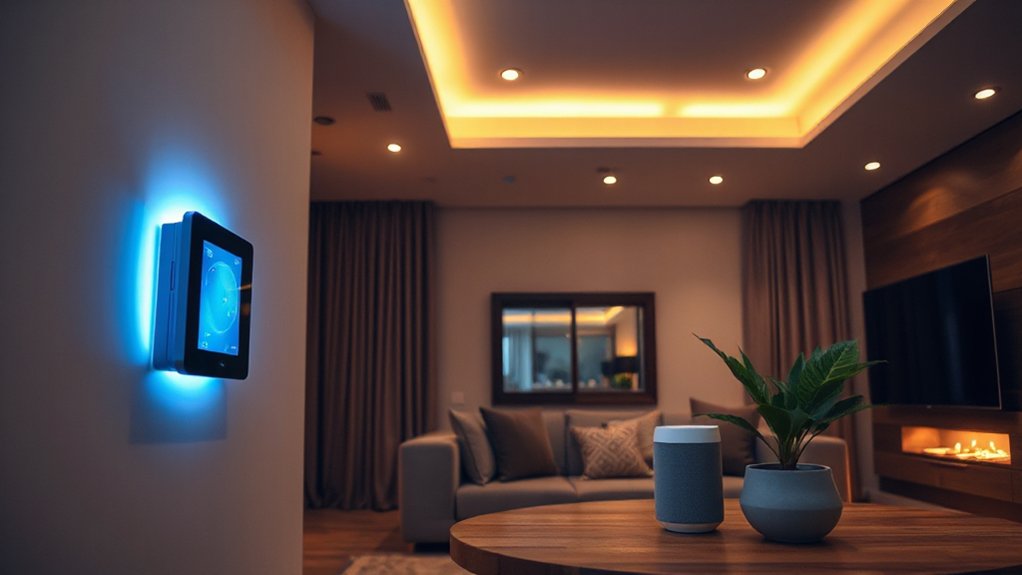
Smart security starts with a foundation you can trust: reliable devices, proven protocols, and clear ownership. You design for resilience by selecting trusted devices that integrate smoothly, avoid vendor lock, and support standard security features. Prioritize end-to-end encryption, secure boot, and regular firmware updates. You’ll establish a simple, centralized control hub that monitors access events without creating blind spots, keeping alerts actionable and non-fatiguing. Use multi-factor authentication and robust passphrases for your accounts, and rotate keys when needed. Segment your network so cameras and sensors don’t expose sensitive data to guest devices. Document ownership, maintenance cadence, and incident-response steps so everyone understands roles. With Smart security, you act decisively, minimize risk, and preserve the clean, intentional look of your space. Trusted devices, strong protocols, lasting protection.
Energy-Saving Routines That Slash Bills
From trusted security foundations, you can extend that clarity to energy use with routines that cut bills without sacrificing comfort. You’ll implement targeted schedules that align lighting, HVAC, and appliances with real occupancy patterns, avoiding idle power draw. Start with a simple daily routine: dim or turn off lights when rooms are empty, set thermostats to eco modes during absences, and pause high-load devices at night. Integrate solar panels for daytime loads, offsetting demand and stabilizing bills with clean energy. Run quarterly energy audits to pinpoint stubborn culprits and verify savings, then tune settings accordingly. Favor smart plugs for rapid, granular control over peripheral devices. Design-aware automation emphasizes minimal latency and intuitive control, so routines feel seamless rather than forced. Efficient, elegant, and financially responsible.
Centralize Your Devices For Seamless Connectivity
Centralizing your devices creates a single, reliable backbone for seamless connectivity. You streamline control by moving from scattered hubs to a unified ecosystem. Prioritize a central hub that supports your preferred Connectivity protocols and can manage multiple devices with minimal latency. Use device grouping to organize rooms, scenes, and functions, so a single command adjusts lighting, climate, and entertainment together. Choose standards that offer broad compatibility, robust security, and future-proof updating. Avoid protocol fragmentation by consolidating compatible devices under one or two trusted ecosystems. Design matters too: place routers strategically, label groups clearly, and create intuitive dashboards. With centralized control, you reduce interference, simplify routines, and enhance reliability—allowing your smart home to respond instantly and predictably to your daily needs.
Budget-Friendly Upgrades That Really Matter
If you’ve already centralized your devices, you’re ready to stretch your smart home’s value without breaking the budget. Budget-friendly upgrades prove you don’t need a full remodel to elevate daily living. Start with practical enhancements that improve comfort, efficiency, and aesthetics without added complexity. Prioritize devices that offer clear, measurable returns: better lighting scenes, automated routines, and energy monitoring that trim costs over time. Choose high-contrast, intuitive interfaces so every family member can operate confidently. Focus on integration quality, not gadget quantity, ensuring reliable performance and consistent design language across rooms. Favor modular upgrades that scale, like smart switches, sensors, and environmental controls, which deepen automation without disruption. Affordable upgrades deliver enduring convenience, thoughtful design, and noticeable impact without overhauls.
DIY Troubleshooting Tips For Beginners
When you’re starting out, troubleshooting smart homes is about quick, verifiable fixes that don’t derail your setup. You’ll prioritize reliable signals, stable power, and clear diagnostics over complex workarounds. Begin with device basics: reboot, confirm firmware, and re-pair if connectivity wobbles. For DIY troubleshooting, log symptoms succinctly—status lights, app errors, timestamped events—and map them to likely causes. Check network health first; a robust backbone prevents cascading issues. Use manufacturer guides for safe reset procedures and avoid risky hacks. Verify automation logic aligns with intended outcomes, then test one variable at a time to isolate problems. Document fixes to build a lean playbook. Your focus is repeatable, low-risk, beginner fixes that restore reliability quickly and preserve your streamlined, design-forward setup.
Personalize Your Schedule With Custom Routines
Set up schedules that align with your daily rhythm to release true automation. With schedule-based personalization, your devices respond to you at the exact moments you need, not when you happen to flip a switch. This routine-driven approach makes smart living effortless and visually cohesive, reinforcing a design-forward, purposeful home.
Schedule-Based Personalization
Smart scheduling turns your routine into a smart advantage. When you set up custom scheduling, your devices align with your day’s cadence, delivering efficiency without intrusion. You’ll craft personalized routines that respond to time, location, and activity, ensuring lights, climate, and media await at the right moment. Use distinct windows for wake, work, and wind-down to minimize energy use while boosting comfort. Prefer consistent triggers and modular actions so tweaks stay effortless. Visualize a single, cohesive flow: a morning routine that opens blinds, tweaks temperature, and starts a briefing; an afternoon pause that adjusts ambience; an evening wind-down that dims lighting and plays calming soundscapes. Keep interfaces simple, rapid, and scalable for future enhancements.
Routine-Driven Smart Living
Ever wonder how a tailored routine can redefine daily living? You can orchestrate your day with precise, automatable sequences that respond to time, presence, and activity. Routine-driven smart living centers on modular scenes: wake, commute, homecoming, and winding down, each optimized for energy, comfort, and focus. Use clear triggers—sunrise, motion, sensor data—to start routines instantly, no manual steps required. Design matters: keep interfaces minimal, progression seamless, and devices interoperable for reliability. Smart gardening becomes a scheduled care plan, aligning irrigation and lighting with plant needs and weather forecasts. Pet automation supports daily rhythms, from feeding lapses to climate comfort and safe roaming. Implement, test, and refine constraints to avoid conflicts. Your home learns, adapts, and respects your pace without sacrificing control.
Choosing The Right Smart Home Ecosystem
Choosing the right smart home ecosystem starts with your priorities: reliability, compatibility, and future-proofing. You’ll want a system that feels cohesive rather than fractured, so start with core devices you’ll use daily. Prioritize platforms that guarantee long-term support, regular updates, and clear security practices. When evaluating compatibility considerations, check device ecosystems, app interfaces, and voice assistant integrations to ensure seamless control across lighting, HVAC, sensors, and entertainment. Favor open standards and robust developer partnerships to avoid awkward workarounds. Design-focused choices matter: consistent UX, responsive automations, and reliable routines create a unified feel. Consider a scalable path that preserves investment as you add accessories. In practice, pick a backbone that minimizes friction, maximizes interoperability, and aligns with your aesthetic and lifestyle goals.
Frequently Asked Questions
How Secure Are Smart Home Devices Against Hacking?
Smart home devices aren’t foolproof, but you can considerably reduce risks. You’ll rely on encryption protocols and timely firmware updates, plus strong passwords, network segmentation, and regular security checks to harden your setup against hacking.
Can Smart Devices Interfere With My Existing Wi-Fi?
Smart devices won’t derail your Wi-Fi if you plan. Like a well‑titted router, they share bandwidth cleanly. You’ll maintain Smart device compatibility while applying Wi Fi bandwidth management to prevent interference and preserve performance.
Do I Need a Subscription for Most Automations?
No, you don’t generally need a subscription for core automations; many devices offer free baseline features. Some advanced or cloud-based options incur subscription costs, impacting automation flexibility and long-term design scalability. Consider your preferred balance and budget.
Which Devices Work Best With Voice Assistants?
Voice assistants shine with 92% device compatibility when you choose standards-compliant gear for voice command optimization. You’ll streamline control by prioritizing devices that support broad ecosystems, ensuring reliable responses and seamless integration across platforms.
How Do I Rotate or Reset Smart Home Credentials Safely?
To rotate or reset smart home credentials safely, follow credential management and reset procedures: back up settings, use device-specific reset steps, change passwords, reauthorize trusted apps, and document changes for future audits with a focus on secure design.
Conclusion
Smart home automation isn’t a gadget gallery — it’s a design philosophy. You’re curating daily rhythms, not chasing hardware. Let every device serve clarity, efficiency, and calm: lights wake you gently, security sings a quiet guardian, routines trim waste, and ecosystems scale with you. When function meets form, your space becomes intentional, a living blueprint you can trust. Embrace simplicity, test boldly, and let tech recede into the background to elevate life itself.
About the Author